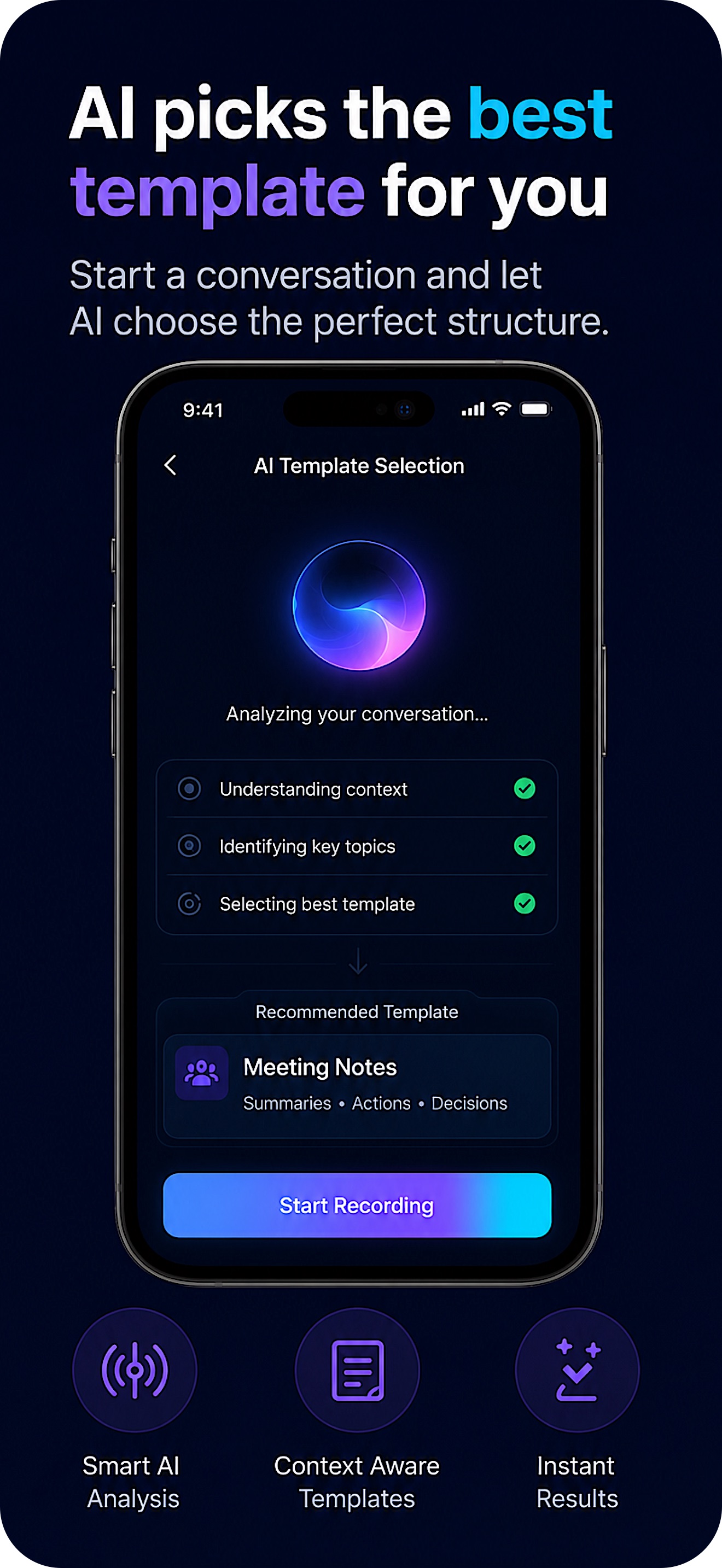
AI picks the best template
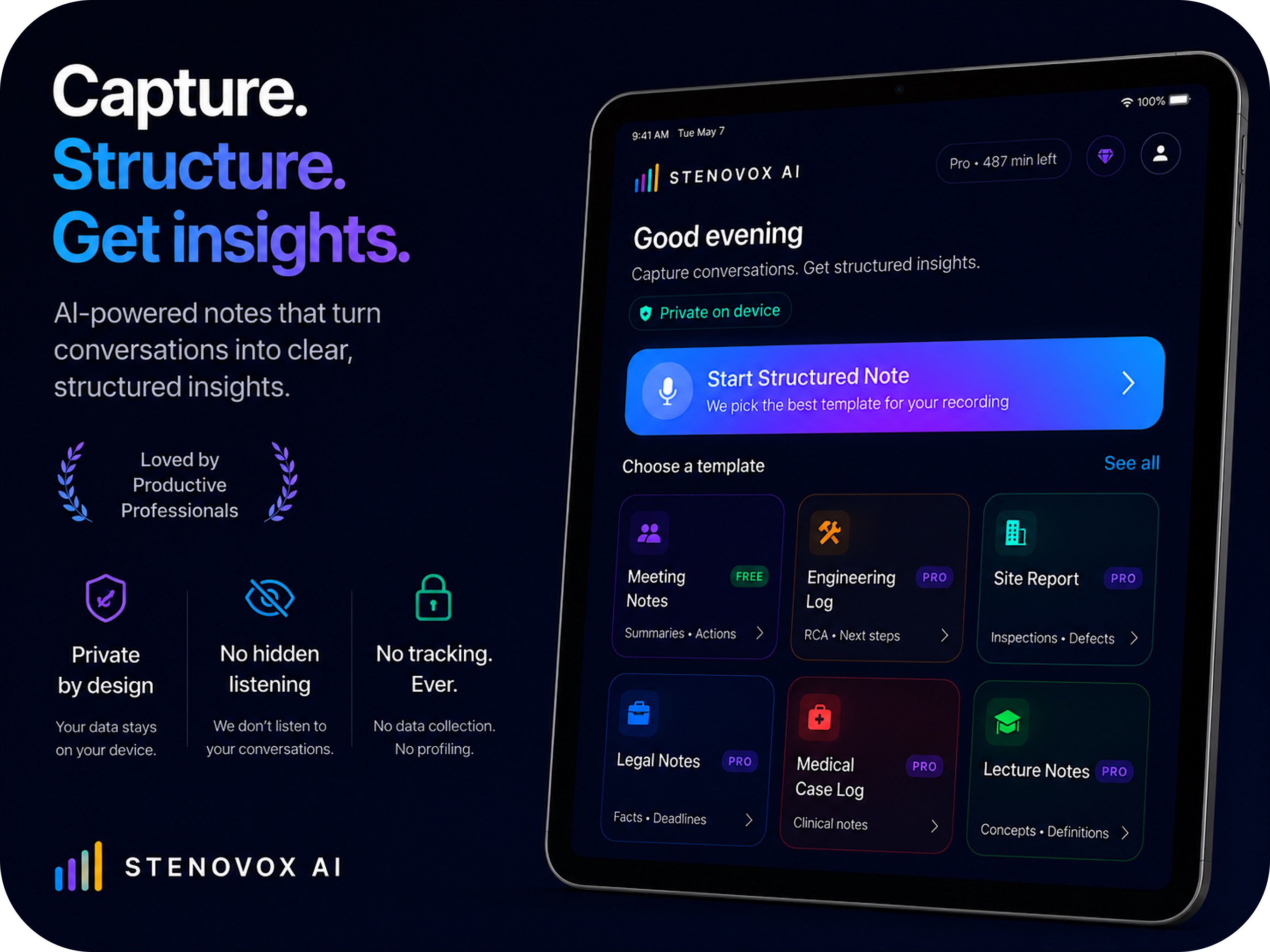
Start a structured note and let Stenovox choose the right workflow from your conversation — or pick one yourself from Home.
Capture
Structure
Export
StenovoxAI
Record or upload audio on iPhone. Stenovox transcribes it and turns conversations into structured notes — saved to your iCloud, or on this iPhone if iCloud is off.
How it works
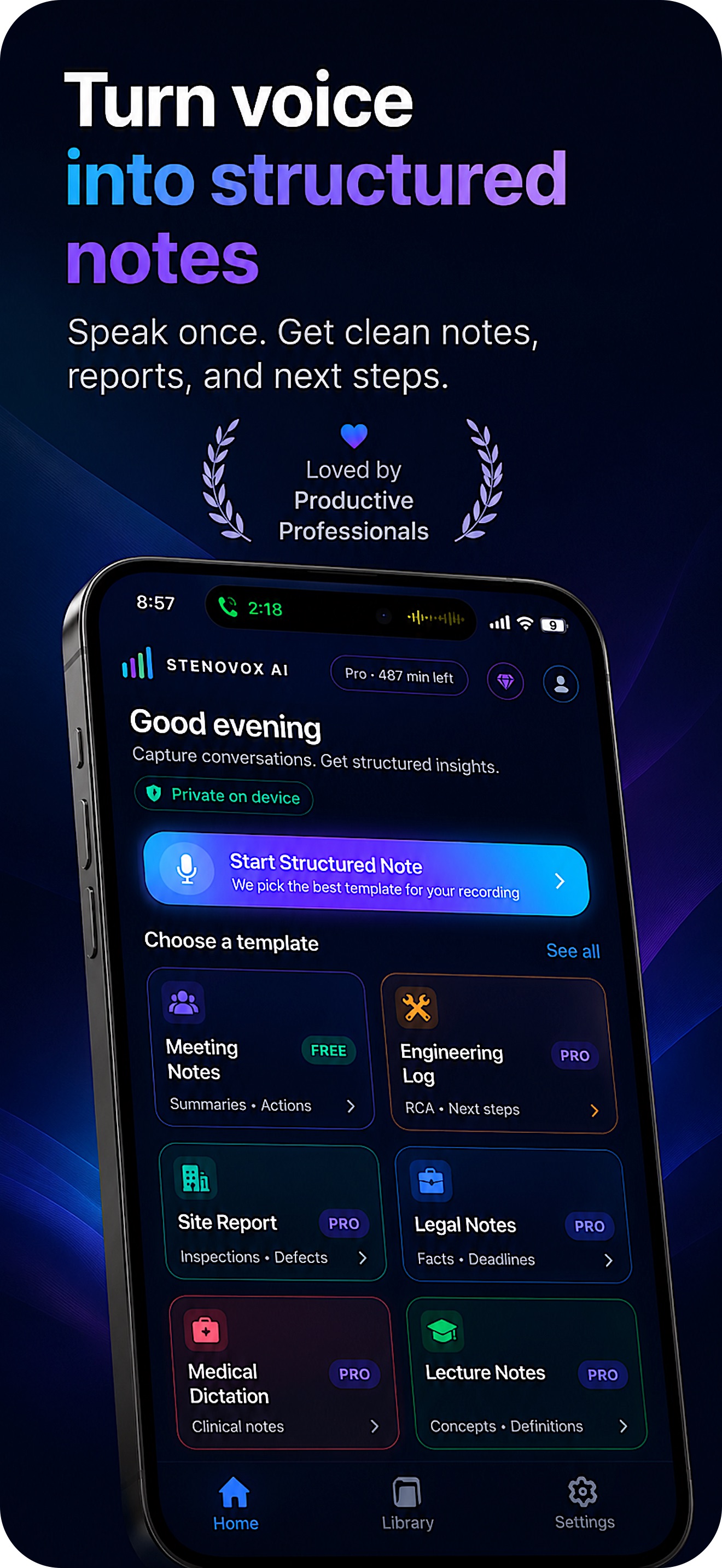
Stenovox picks a workflow, transcribes with AI, and builds the sections you need — then keeps the note on your phone.
Start a structured note and let Stenovox choose the right workflow from your conversation — or pick one yourself from Home.
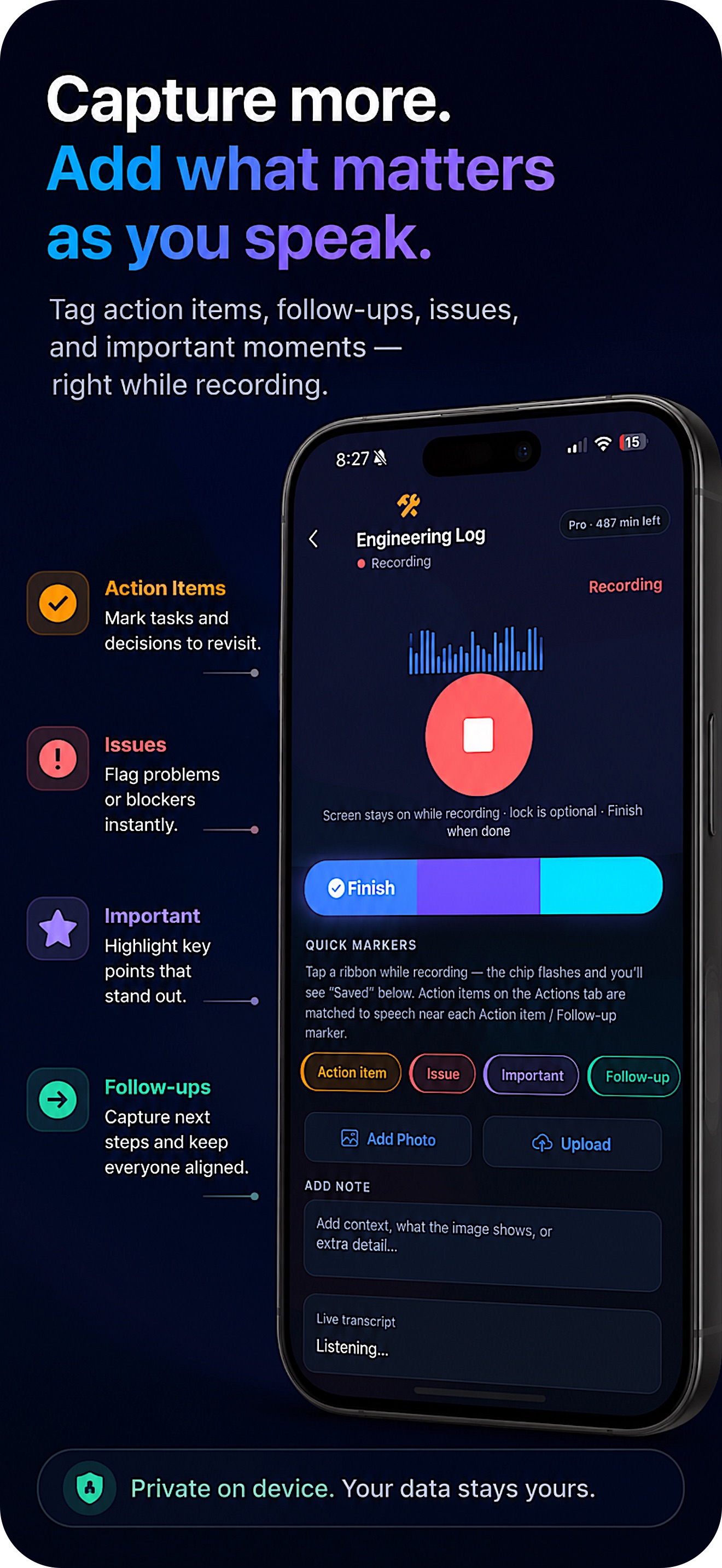
Flag Action items, Issues, Important moments, and Follow-ups in the moment. Markers land in your note as journal earmarks — separate from AI-generated action lists.
Workflows
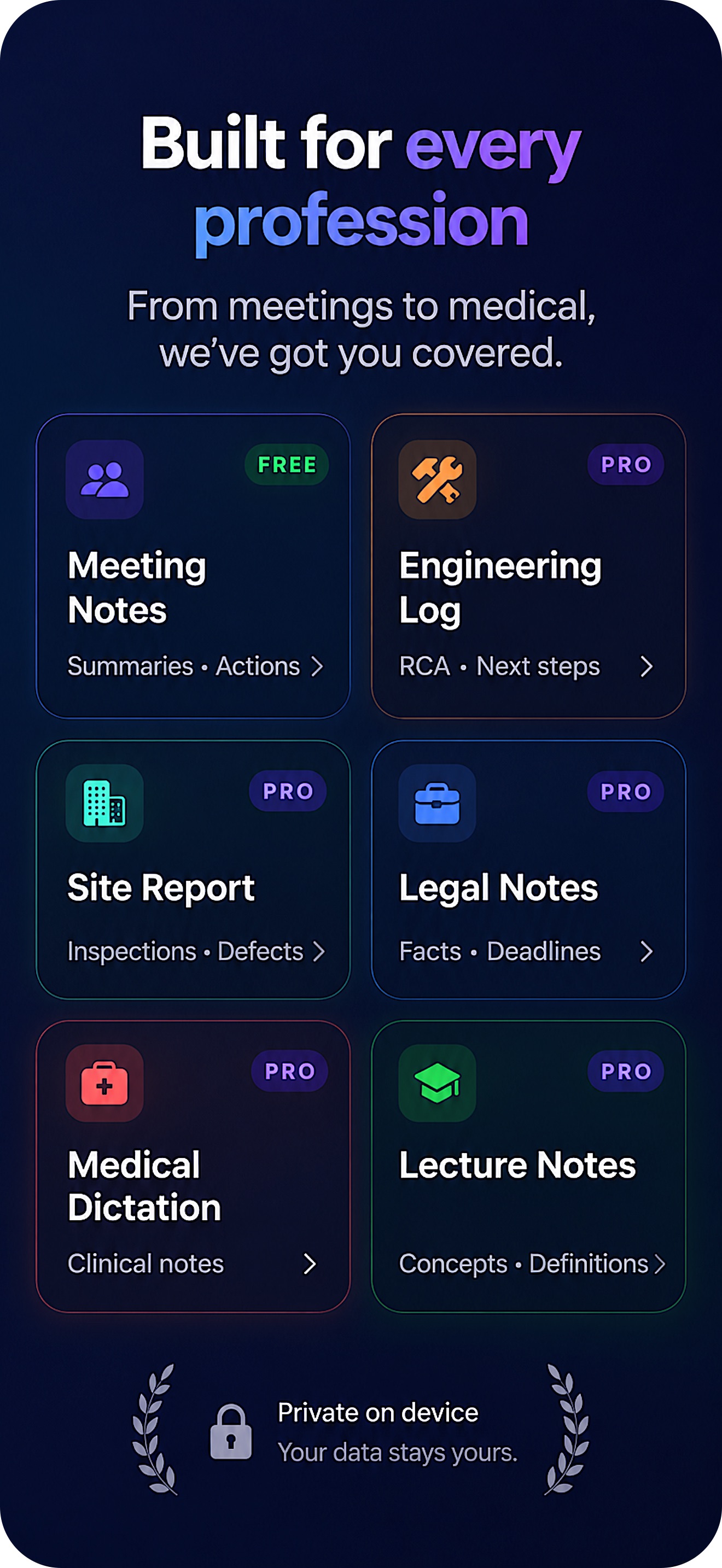
Meeting Notes is included on Free. The other five unlock with Pro or Pro+ — each with its own structured sections.
Free
Summary · Action items · Decisions · Questions
Pro
Issue · Symptoms · Cause · Actions taken · Next steps
Pro
Observations · Defects · Severity · Recommendations · Photo references
Pro
Facts · Dates · Key points · Follow-ups
Pro
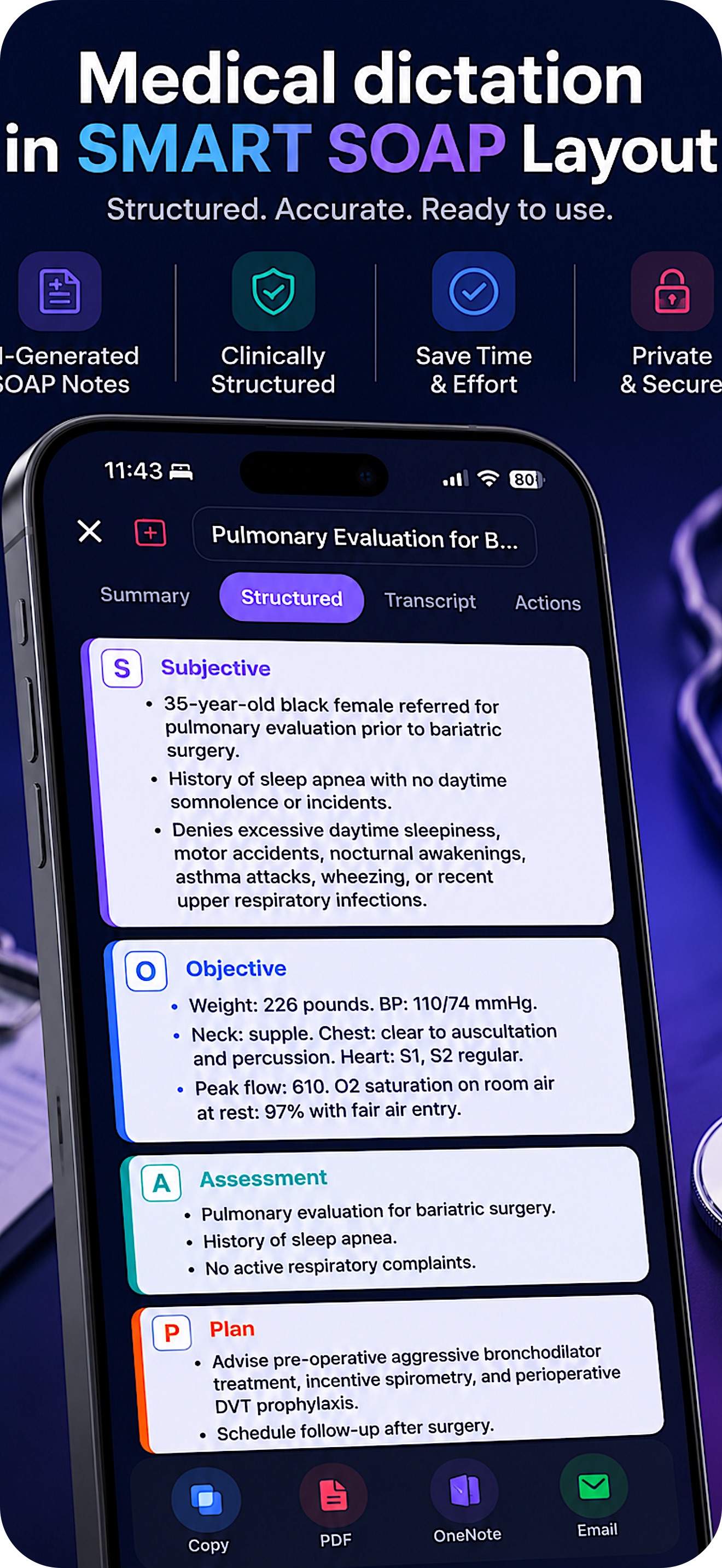
SOAP — Subjective · Objective · Assessment · Plan
Pro
Summary · Key concepts · Definitions · Notes
Medical Dictation (Pro) turns dictation into Subjective, Objective, Assessment, and Plan — for professional workflows, not a medical device.
Lecture Notes (Pro) builds summary, key concepts, definitions, and notes — with segment timestamps on Pro.
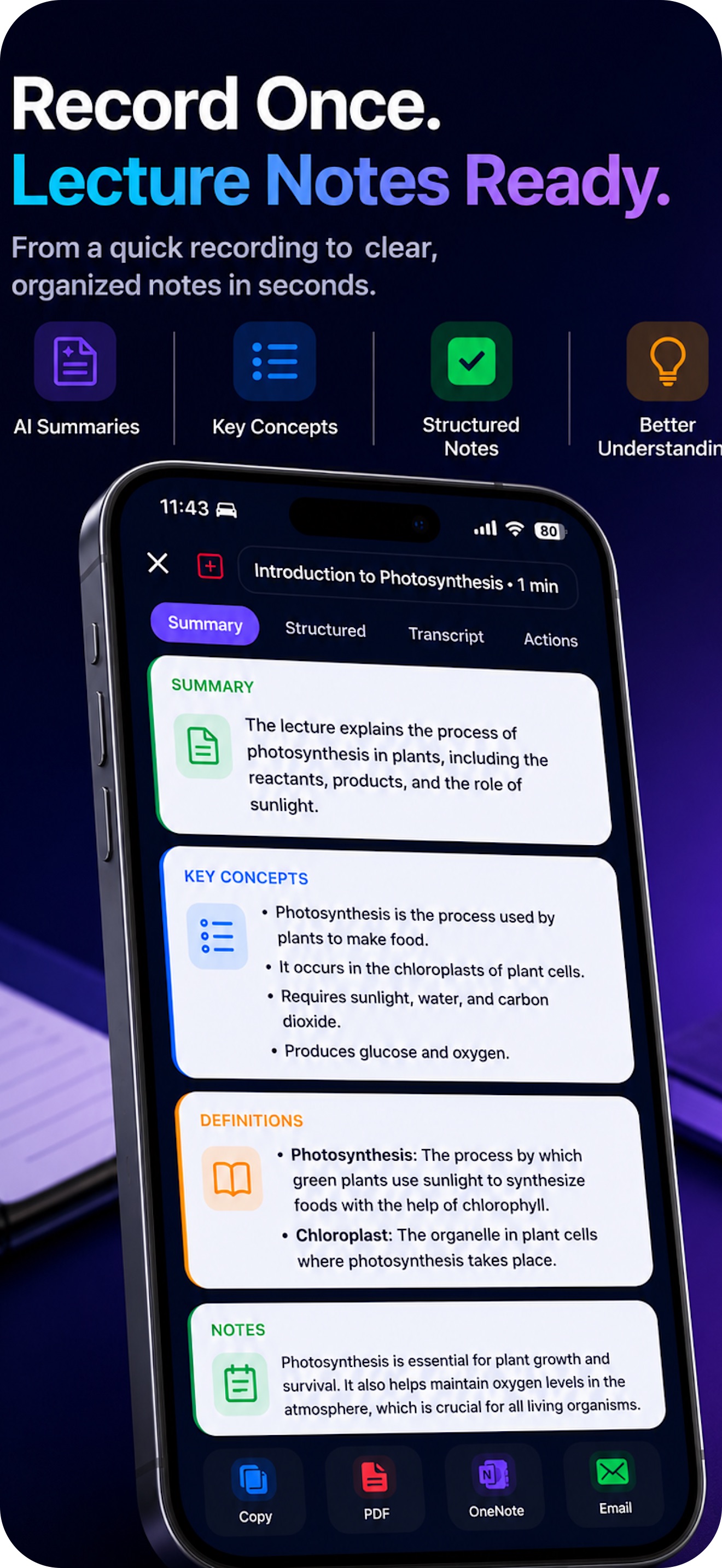
Copy any note. PDF and Apple Notes export are on Pro, along with timestamps, confidence quotes, and image context.
Private by design
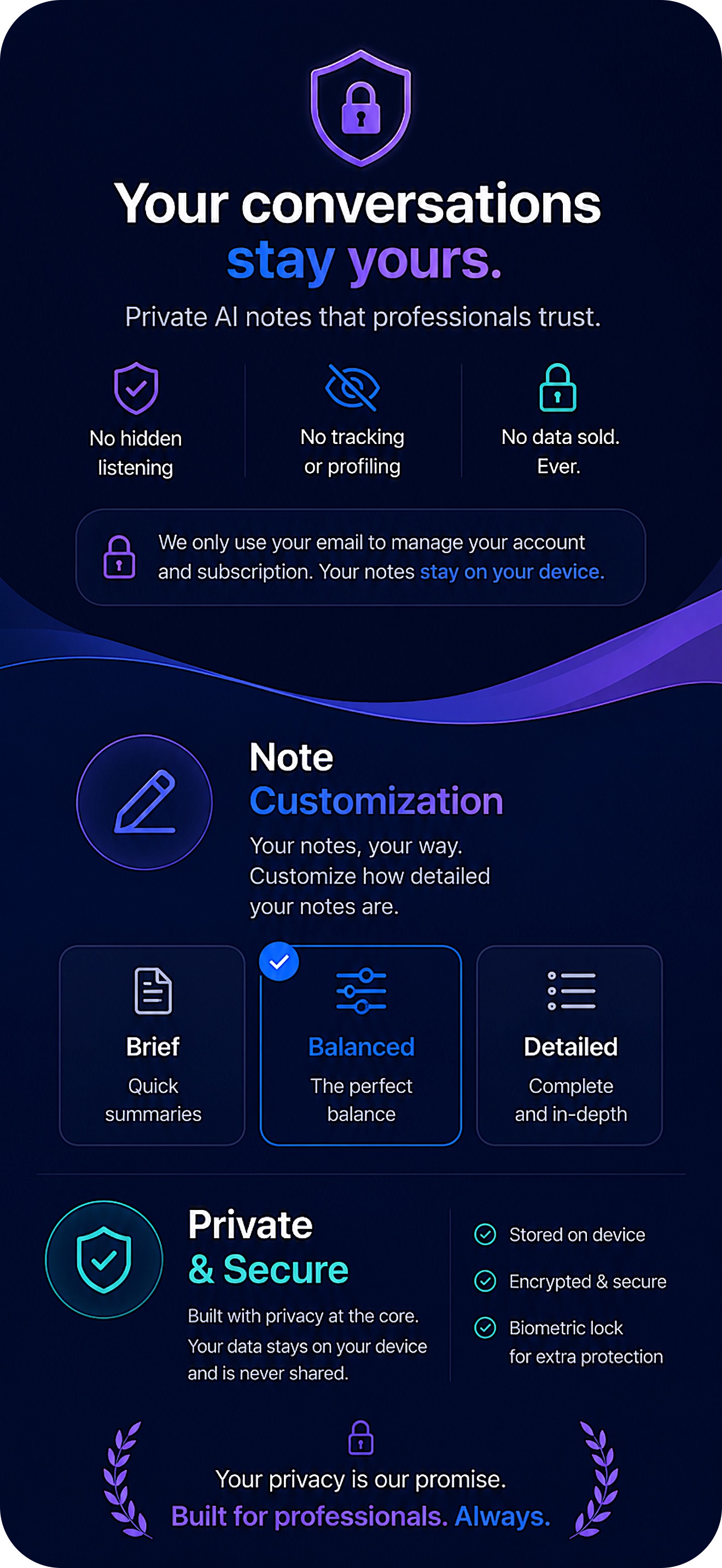
Notes stay in your iCloud Drive (Stenovox → Notes), or on this iPhone if iCloud is off. We don’t store note text on our servers. Audio goes to OpenAI to transcribe — we don’t listen to your recordings.
A private copy stays on the phone. A readable copy goes to your iCloud when iCloud Drive is on.
Recordings and uploaded files are sent to OpenAI, then can be deleted after the note is ready if you turn that on in Settings.
On-phone notes are kept up to about 50 MB. When full, the oldest notes are removed. Delete anytime in Library.
Plans
Billed through Apple. Sign in so a paid plan and monthly minutes stay linked after reinstall. Cancel anytime in Settings → Subscriptions. There is no Pro free trial.
$0 · 60 min / month
$11.99 / month or $99.99 / year · 500 min / month
$19.99 / month · unlimited minutes
Prices shown in USD; the App Store may localize them. Annual Pro is the same entitlement as monthly Pro. Minutes reset each month.
Also on iPad
Stenovox runs on iPad too — including landscape layouts for long SOAP notes and lecture review.
Legal
Full documents for App Store users and anyone using Stenovox.
Get Stenovox
Free Meeting Notes · 60 min/mo. Pro is $11.99/mo or $99.99/yr for every workflow and 500 min — or Pro+ for unlimited.
Download on the App Store